Data Visualisation
Tutorial goals:
This document is used to guide users to connect and use ByConity through common open source and commercial data visualization tools.
Pre-preparation:
Users need to get the HOST and PORT(TCP/HTTP) of ByConity service
Currently supported tools
Currently supported visualisation tools include:
connection method:
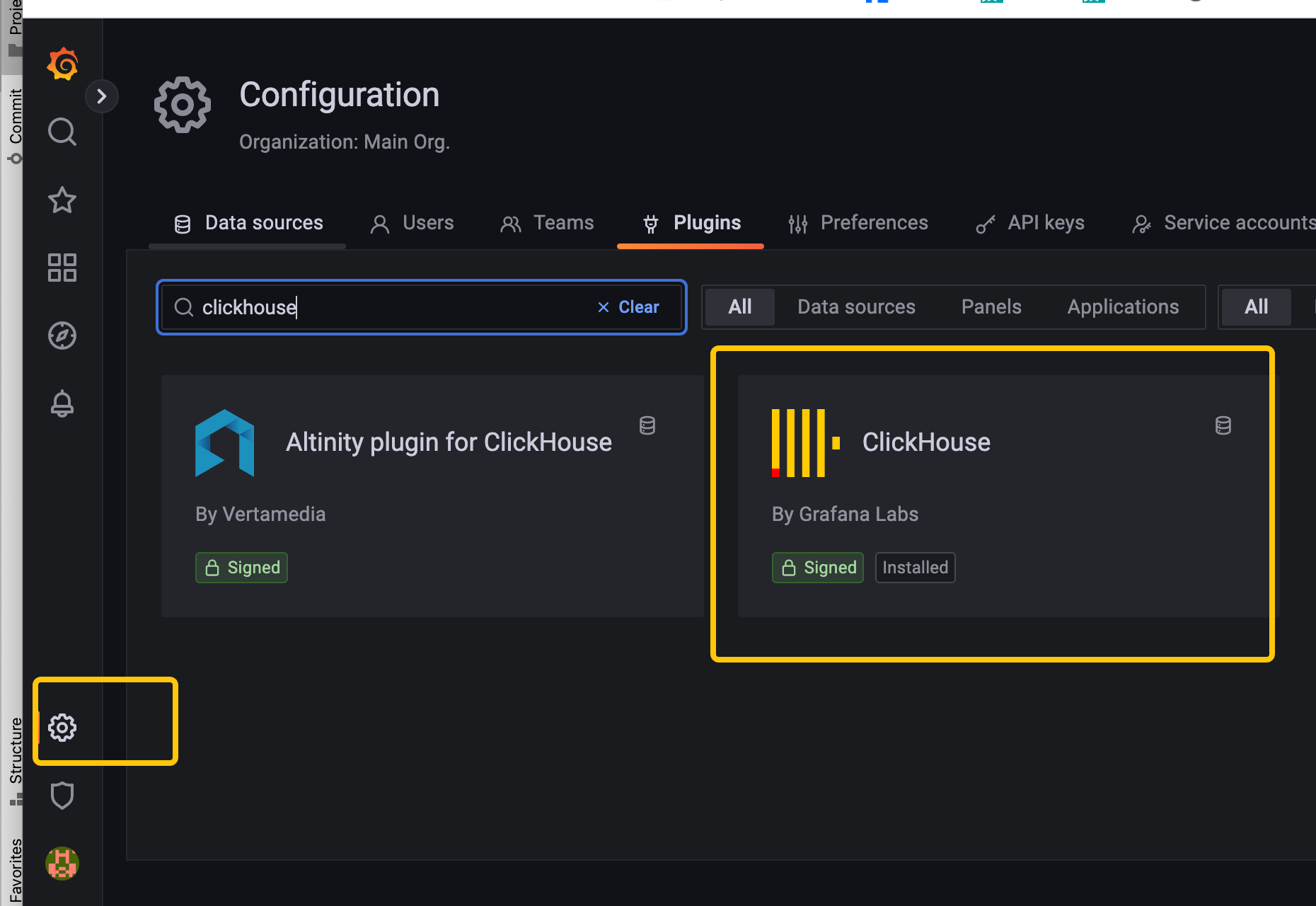
Grafana
It is consistent with the method of connecting open source clickhouse, refer to::
Connection method: https://clickhouse.com/docs/en/connect-a-ui/grafana-and-clickhouse
Grafana installation method: https://grafana.com/docs/grafana/v9.0/setup-grafana/installation/

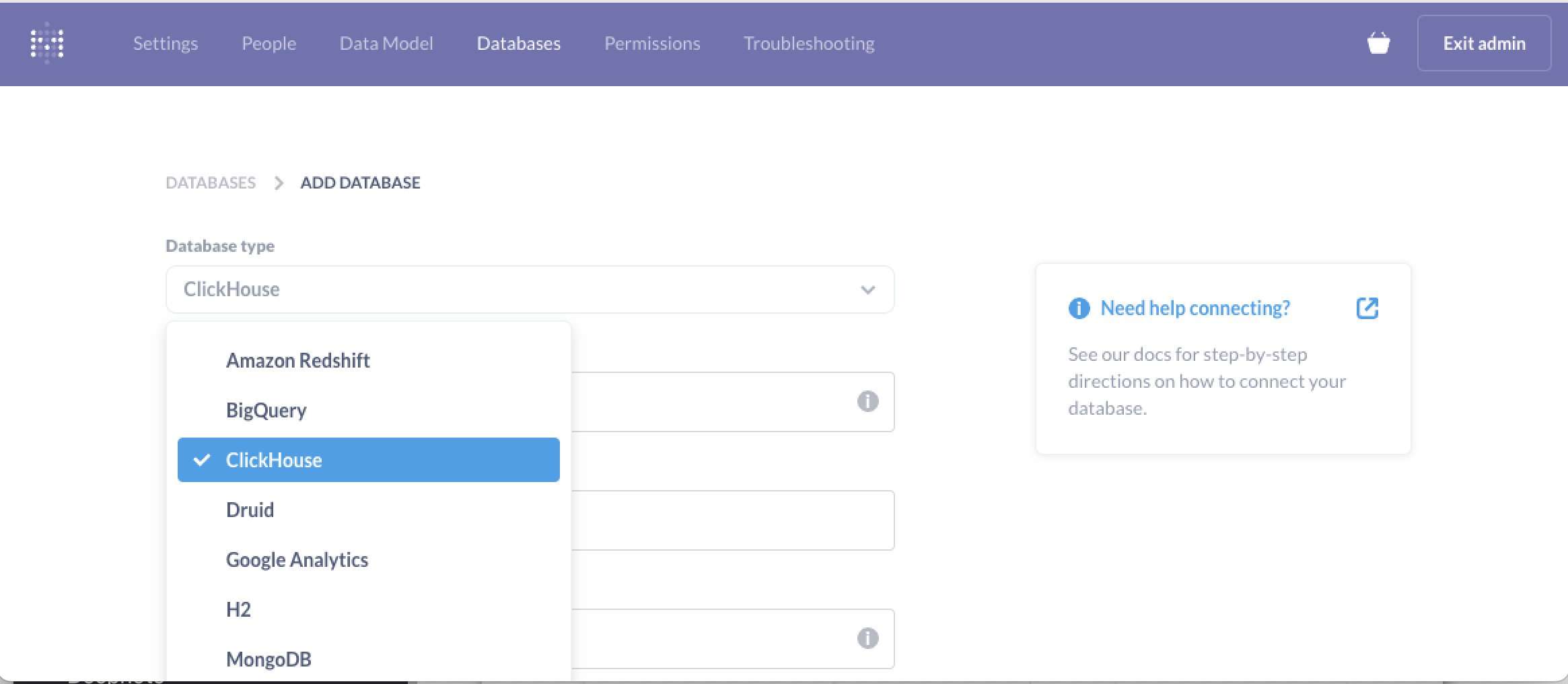
Metabase
It is consistent with the method of connecting open source clickhouse, refer to:
https://clickhouse.com/docs/en/connect-a-ui/metabase-and-clickhouse
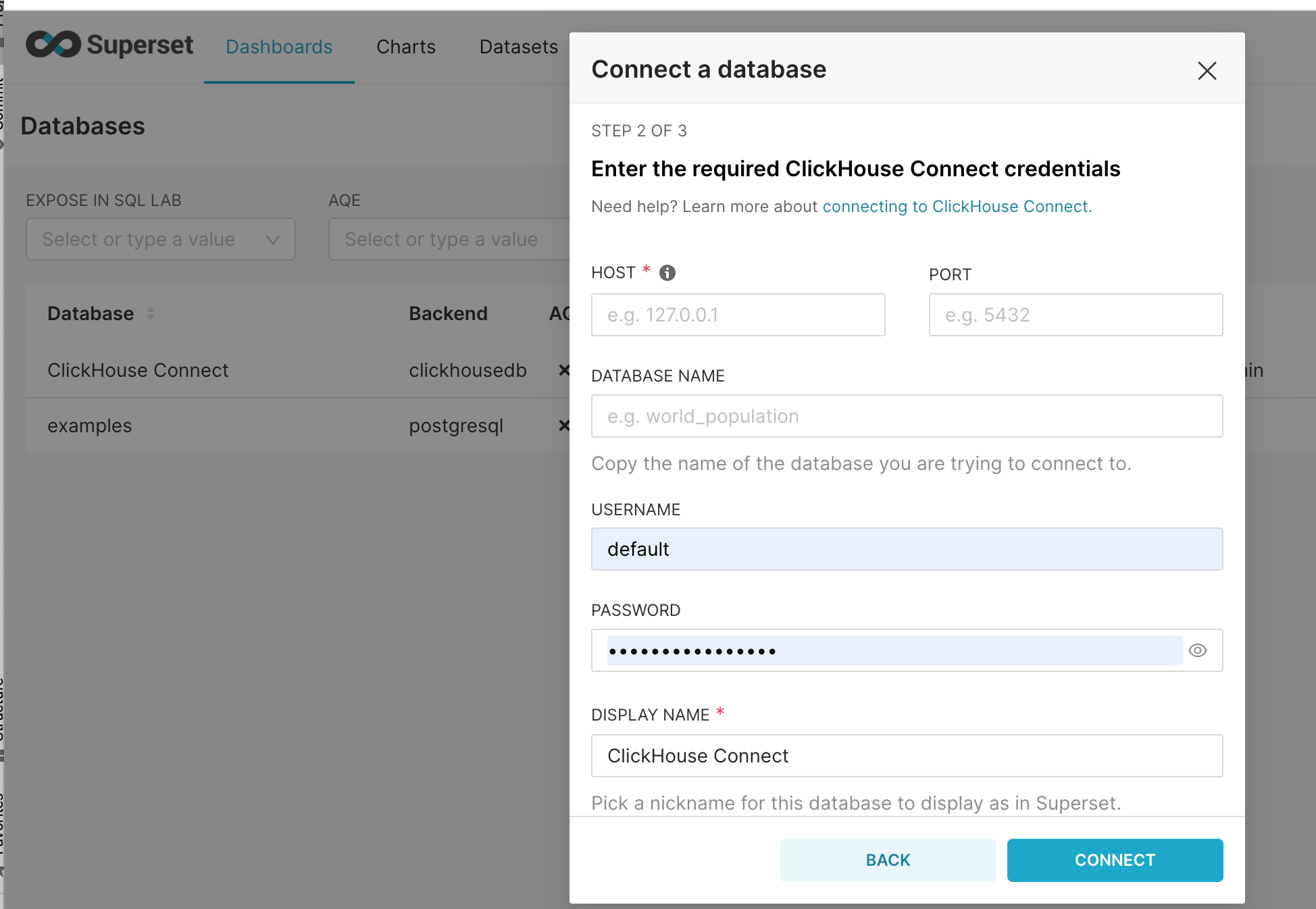
SuperSet:
It is consistent with the method of connecting open source clickhouse, refer to:
Connection method: https://clickhouse.com/docs/en/connect-a-ui/superset-and-clickhouse
SuperSet installation method: https://superset.apache.org/docs/installation/installing-superset-using-docker-compose

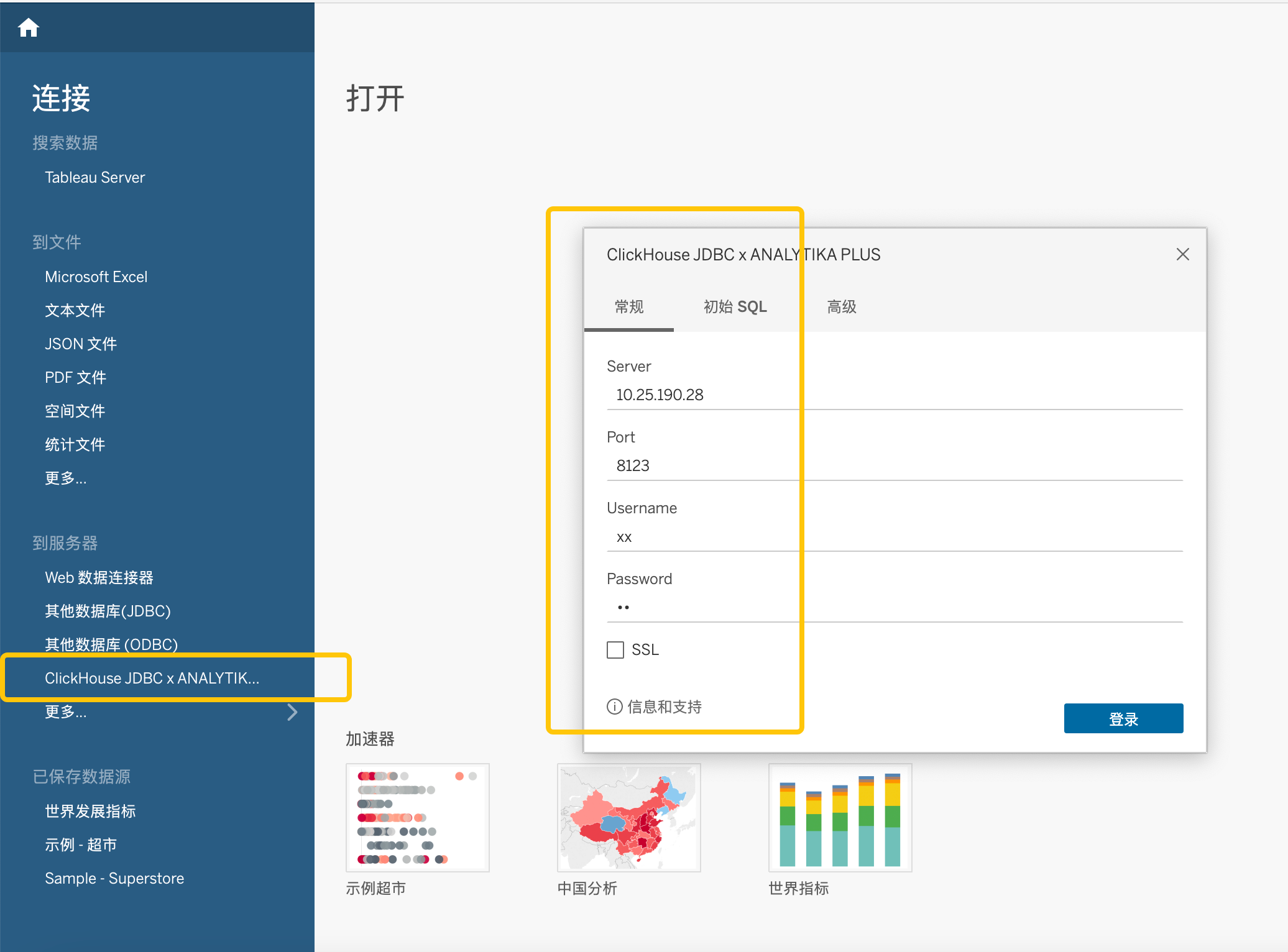
Tableau
It is consistent with the method of connecting open source clickhouse, refer to
Connection method: https://clickhouse.com/docs/en/connect-a-ui/tableau-and-clickhouse/
Tableau installation method: https://www.tableau.com/products/desktop/download
Other
Since ByConity is fully compatible with the open source clickhouse driver (go/java/python), when using other open source visualization tools to connect to ByConity, you can refer to its method of connecting to clickhouse.